
Team leader
Easily starts the shift, assigns operators to workstations, records production and reports problems.

Login
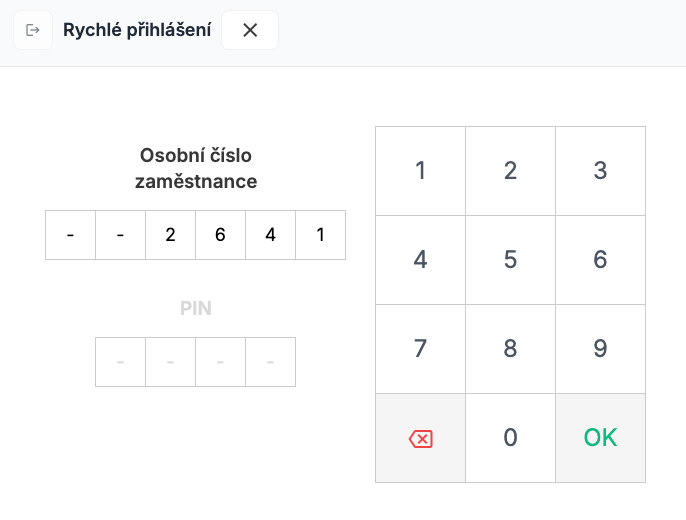
At any point during the shift, the team leader logs in fast on the touchscreen using a personal number and PIN.
Starting the shift
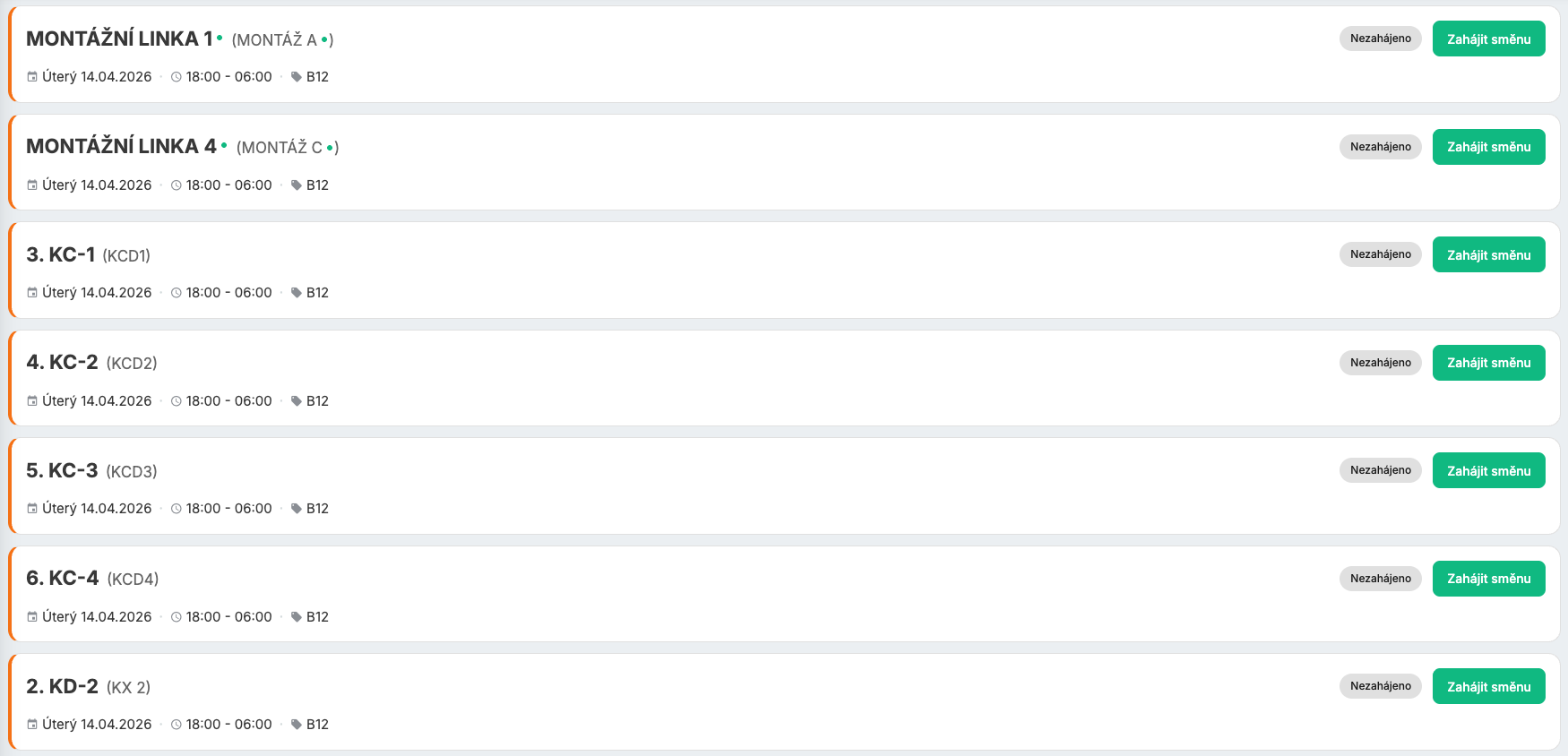
Starts the shift and sets up parameters, products and the planned production quantity.
Assigning operators
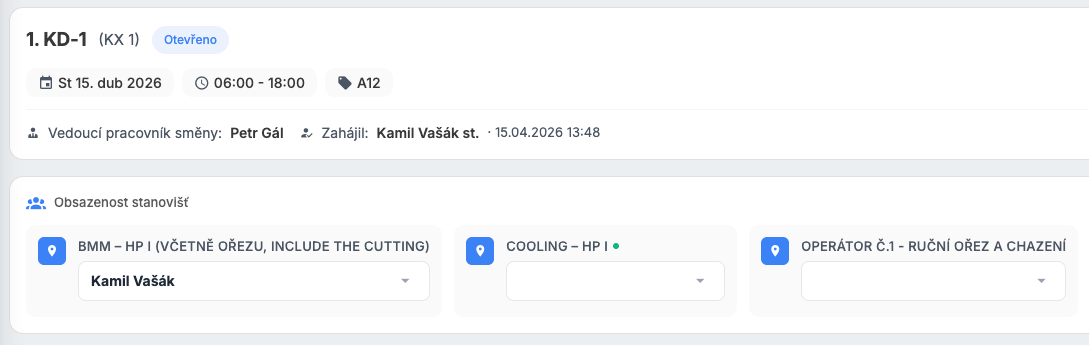
Assigns operators to individual workstations in a few taps. A clear view of staffing.
Production recording
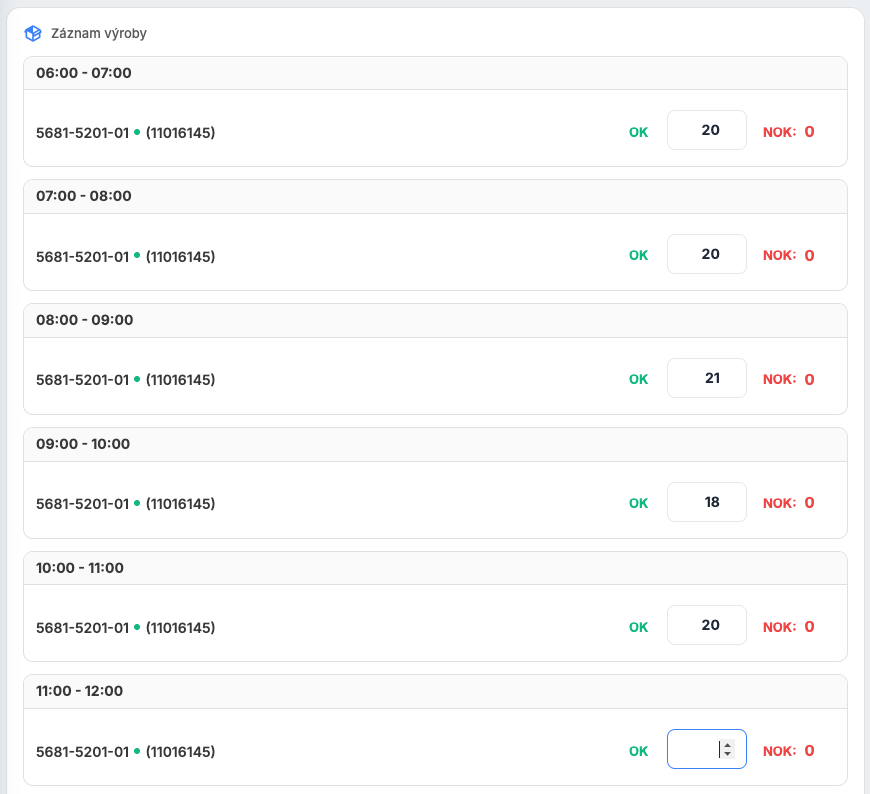
Hourly production recording. Production for each hour can be entered no earlier than 10 minutes before it ends.
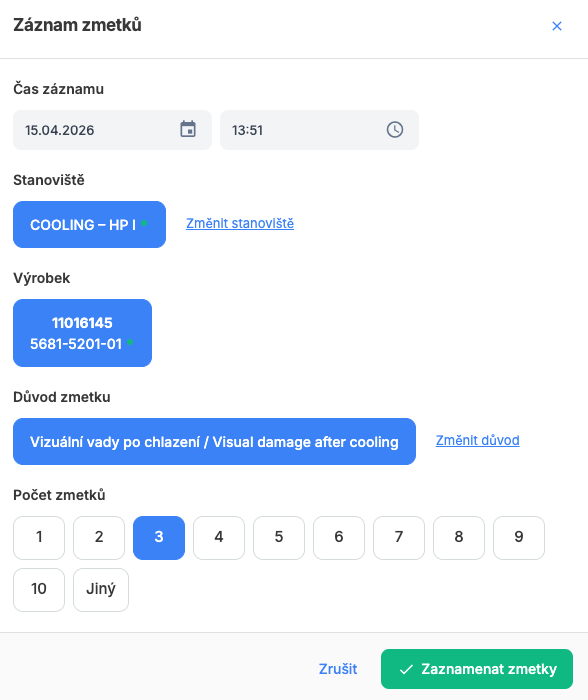
Scrap
Records scrap with quantity and reason at any time during the shift. Data instantly available for analysis.
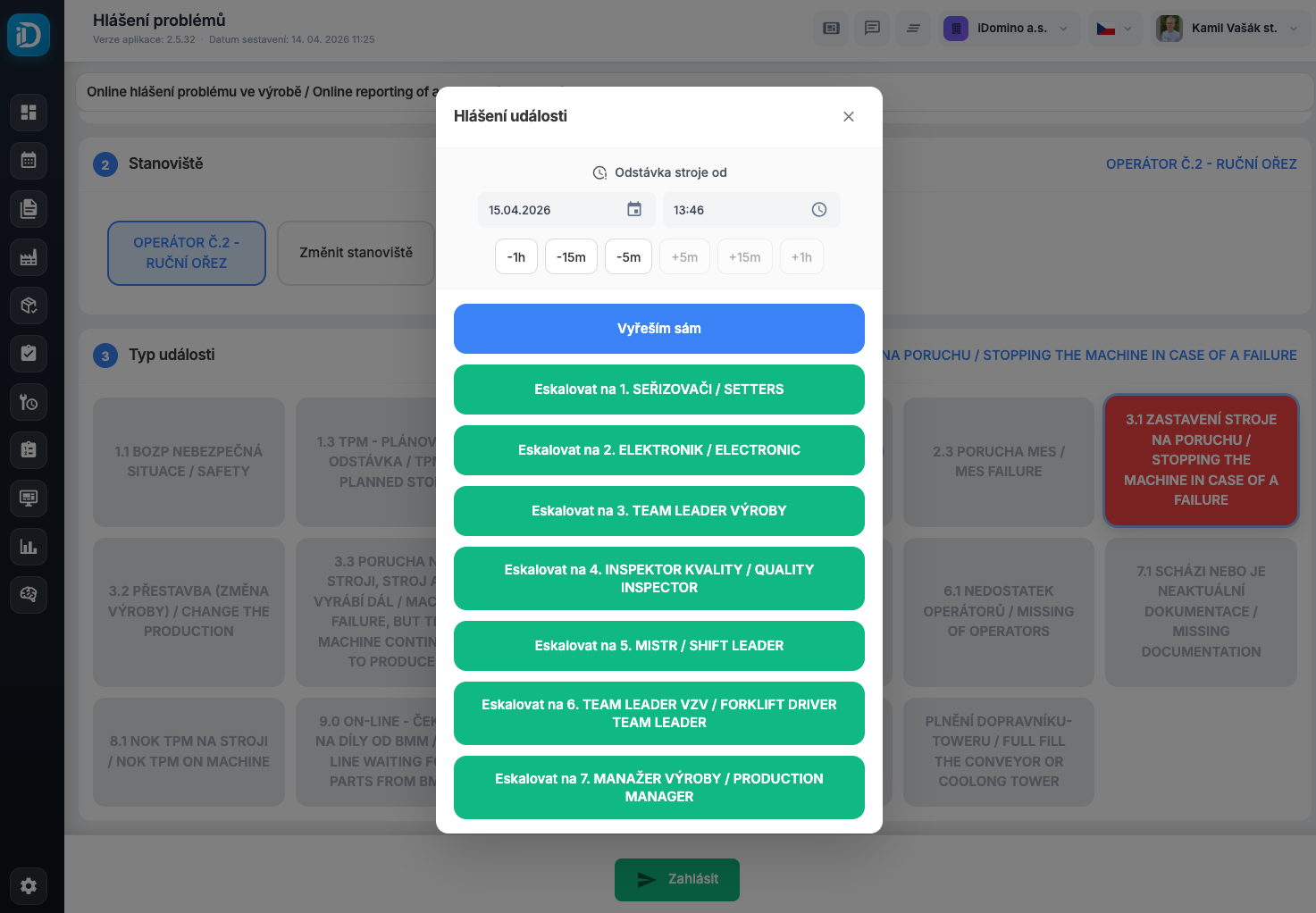
Escalation
Reports problems with escalation to the right people - setters, foremen, managers.
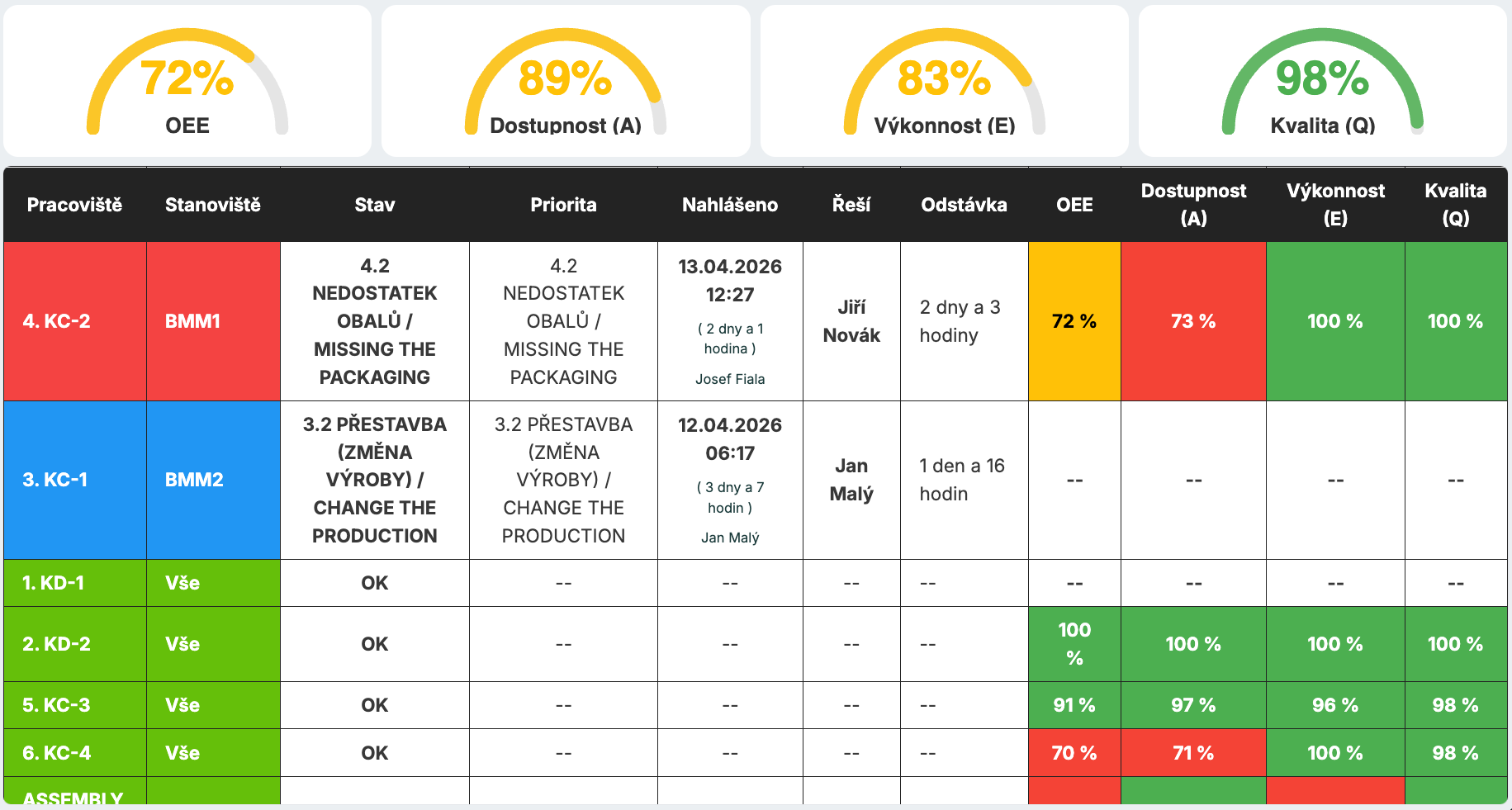
Problem visualization
Visualization on large LCD panels in the halls and on touchscreens at workstations during downtime.
Start your journey to manufacturing excellence
Connect TPM activities, analytics and action plans into one system.
kamil.vasak@idomino.cz · +420 724 135 735