
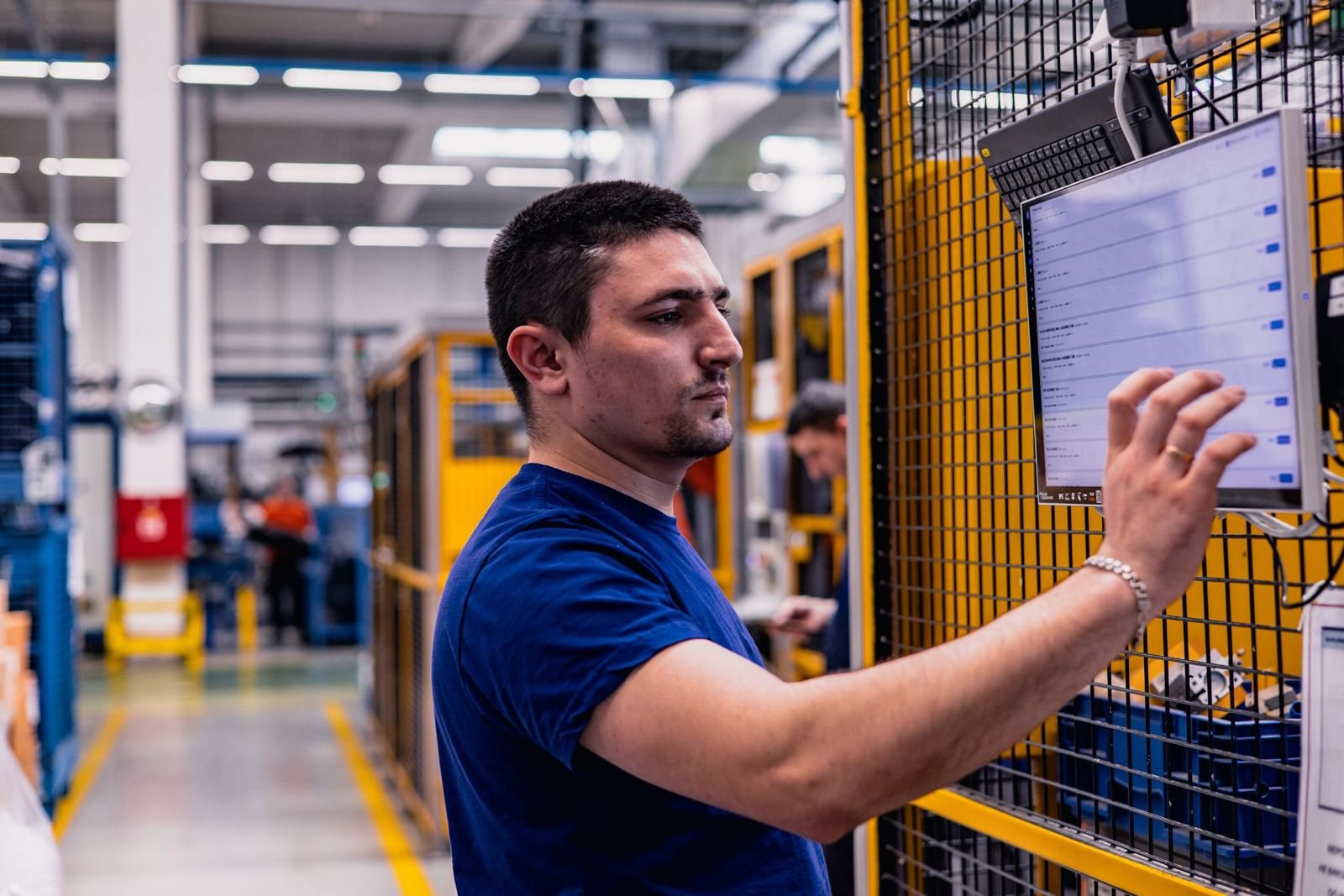
Operator at the workstation
Checks the workstation status via a checklist. Reports faults to the setter in a few taps.
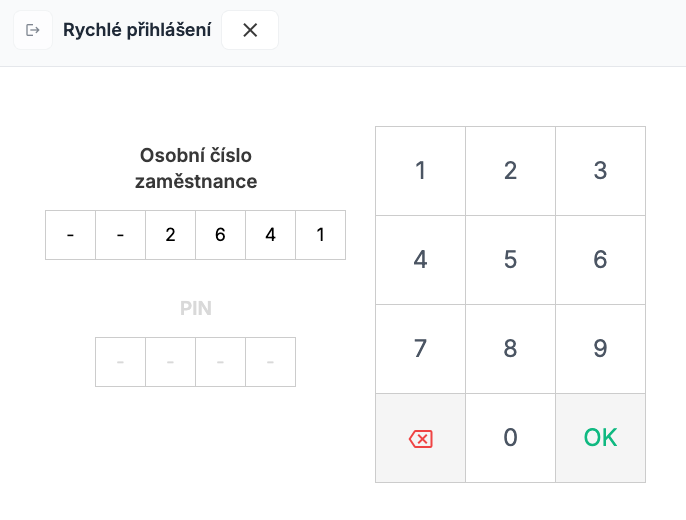
Login
At any point during the shift, the operator logs in fast on the touchscreen in shared mode using a personal number and PIN.
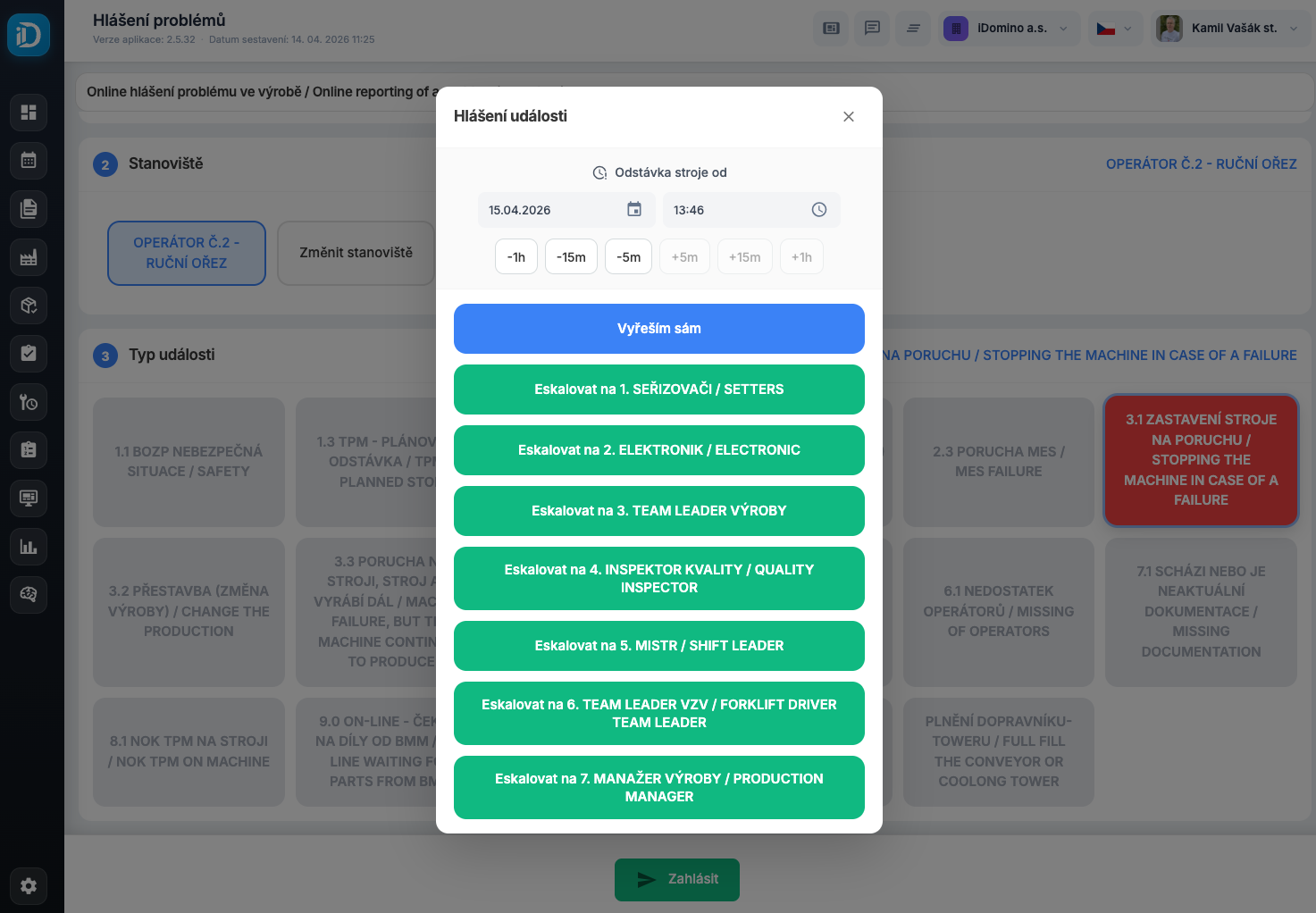
Reporting problems
Whenever needed, the operator can report problems with escalation to the right people - setters, foremen or process engineers.
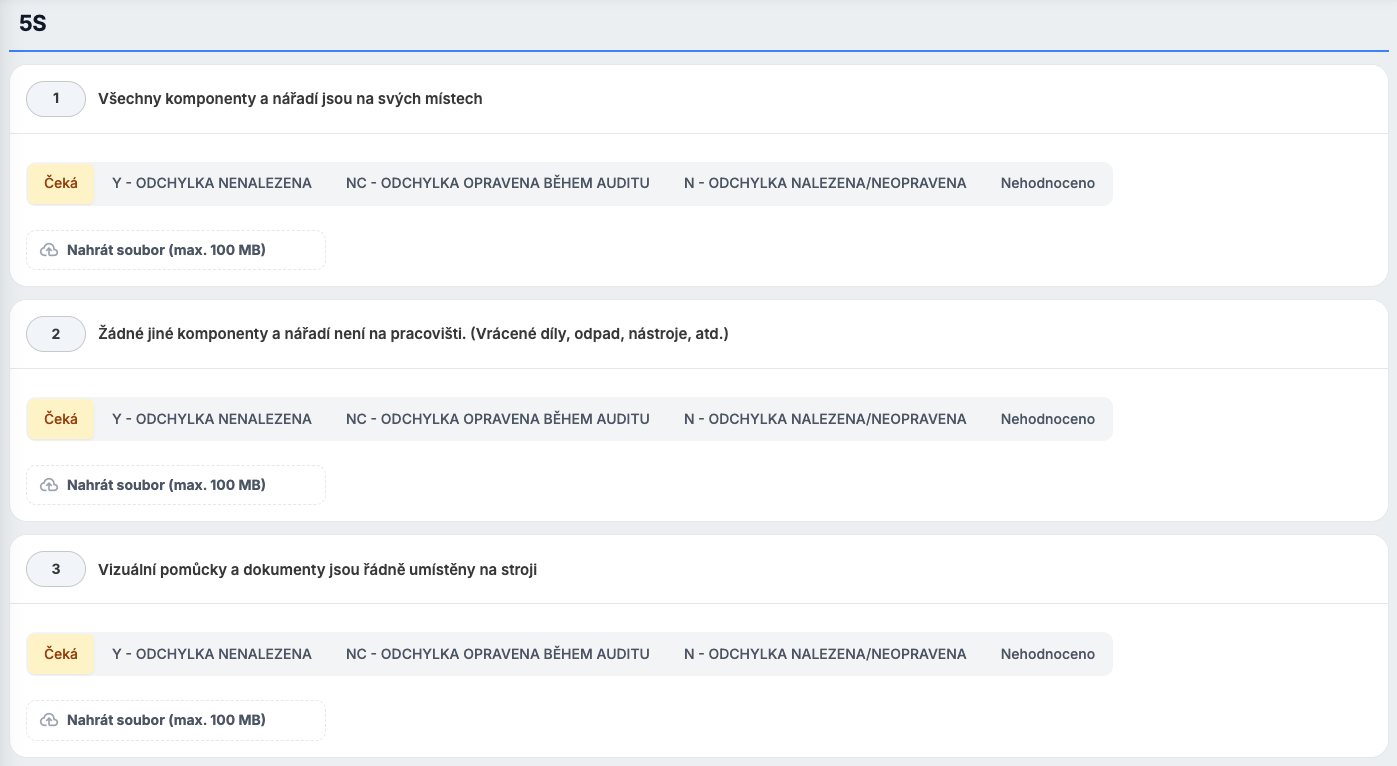
Workstation inspection
The operator runs a shift inspection of the workstation via a digital checklist. Any faults are escalated by the book in a single tap.
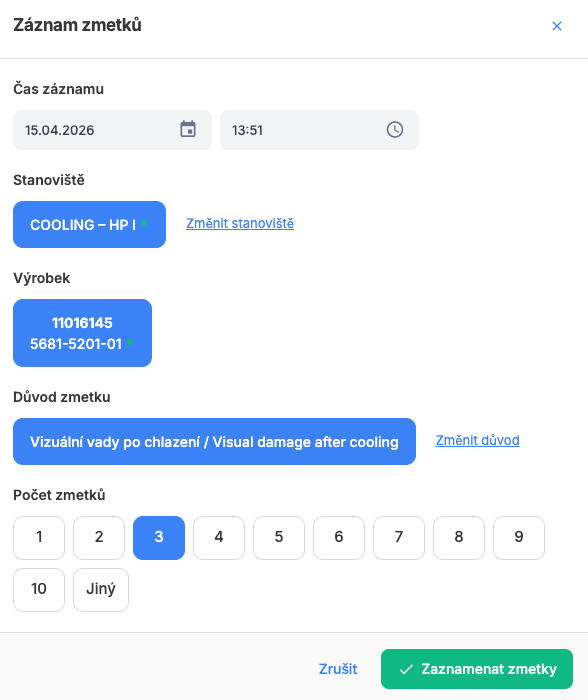
Scrap
At any time during the shift, the operator can record scrap with quantity and reason. The data is instantly available for analysis.
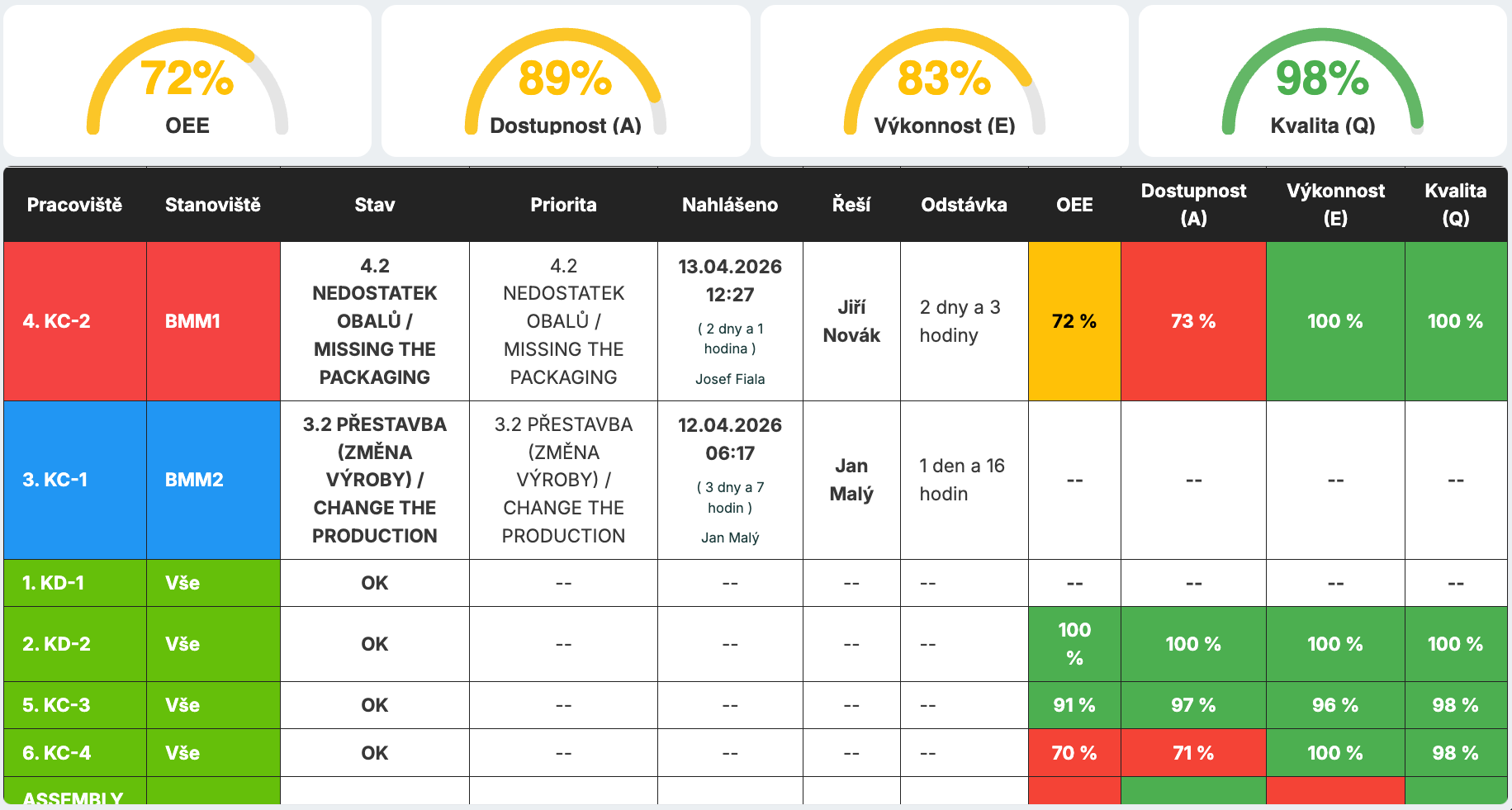
Workstation status visualization
Visualization of workstation status and reported problems on large LCD panels in the halls and on touchscreens at the workstations.
Start your journey to manufacturing excellence
Connect TPM activities, analytics and action plans into one system.
kamil.vasak@idomino.cz · +420 724 135 735